
Document Management for Microsoft 365
M-Files brings enterprise document management to Microsoft 365, helping teams organize content, automate workflows, strengthen governance, and make governed information available to Microsoft Copilot.


Document Management Built for Microsoft 365
How Organizations Use M-Files with Microsoft 365
M-Files adds enterprise document management, workflow automation, records management, and governance tailored to the way different teams and industries work. Organizations can manage enterprise information, improve compliance, and support Microsoft Copilot while employees continue working in familiar applications.
Why Organizations Choose M-Files with Microsoft 365
M-Files helps organizations get more value from Microsoft 365 by improving how information is managed and used across the enterprise. Together, M-Files and Microsoft help teams work more efficiently, reduce risk, and make important business information easier to find and use.
Document Management
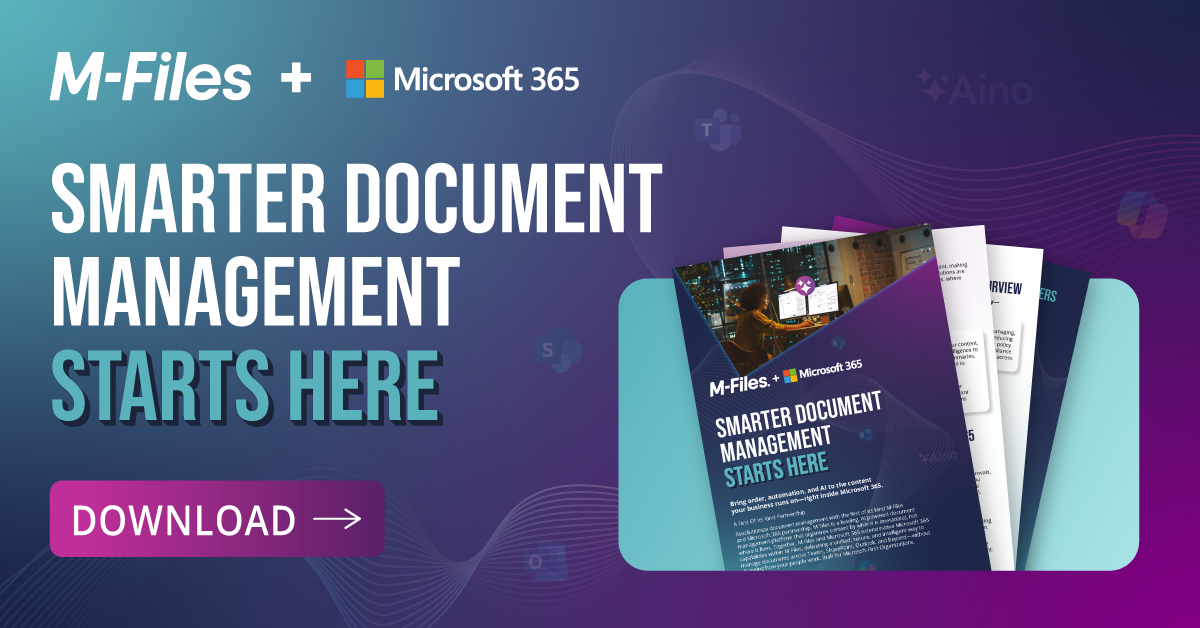
Smarter Document Management with M-Files and Microsoft 365
Discover how M-Files and Microsoft 365 are revolutionizing document management for modern organizations. Download the brochure now to explore how this powerful partnership can streamline your workflows and boost productivity.


Microsoft and M-Files: Better Together
Hear Microsoft's perspective on how organizations can extend Microsoft 365 with enterprise document management, workflow automation, governance, Microsoft Copilot, AI agents, and Microsoft 365 Storage.
Document-driven Work
Why Add M-Files to Microsoft 365?
Microsoft 365 provides the foundation for collaboration, productivity, storage, security, governance, and AI. M-Files adds business context, automated processes, records management, and enterprise content management for governed information. Teams can create and collaborate in familiar applications while M-Files manages contracts, quality documentation, compliance records, customer information, project files, and other business documents and records.
See the Business Value of Document Management for Microsoft 365
Organizations use M-Files to reduce manual document management, improve information discovery, automate business processes, strengthen governance and compliance, and maximize their Microsoft investments. Download the Forrester Total Economic Impact™ of M-Files report to explore measurable customer outcomes.
Download the Forrester Total Economic Impact™ of M-Files ReportDocument Management Built for SharePoint
M-Files enhances the SharePoint user experience with intelligent content organization, SharePoint metadata management, document workflow automation, records management, lifecycle controls, governance, and advanced permissions. Content can remain in Microsoft 365 while organizations gain the capabilities of an enterprise document management system and enterprise content management platform built on Microsoft 365 Storage.
Extend Microsoft Purview Governance to Enterprise Content
M-Files provides Microsoft Purview with consistent document management policies across your enterprise. M-Files adds business context through metadata, document classification, workflow intelligence, and records management. Together, M-Files and Microsoft Purview help protect sensitive information, support compliance, govern content throughout its lifecycle, and create a permission-aware foundation for AI and automation.
Improve Microsoft Copilot and AI Agents with Governed Information
M-Files for Copilot provides Copilot and AI agents with accurate, relevant, and well-governed information. M-Files improves organization and discovery while respecting existing permissions, retention policies, and compliance requirements. This provides more useful context for AI experiences and a stronger foundation for agent-ready information and future agentic workflows.
Bring Business Context to Microsoft 365
See how M-Files adds business context, governance, workflow automation, and records management to help you get more value from Microsoft 365.
Microsoft 365 Copilot
Connect your AI helper at work to all your data sources. Find data, summarize emails, take meeting notes, write documents, and do research with greater ease. You can also build custom agents that handle tasks for your team, making everyday work faster and more efficient.


Microsoft Excel, Word, PowerPoint
Work on Microsoft Office files no matter where they’re saved. Co-author and collaborate on documents securely in real time, whether you're using Office desktop apps or Office Online.

Microsoft Teams
Chat and collaborate directly in Teams while staying organized. Access all your company’s data in one space. Support efficient and well-governed teamwork with built-in workflows.

Microsoft Outlook
File and save emails without manual effort. Keep messages organized and connect them to the right client or project. Help employees save time, reduce manual work, and make it easier to manage important communications.
On-Demand Webinar
Is Your Content Ready for Copilot and AI Agents?
Hear from experts at Forrester, Microsoft, and M-Files about why trusted AI starts with trusted business content. Learn how business context, governance, ownership, permissions, and lifecycle controls help prepare information for Microsoft Copilot, AI agents, and future agentic workflows

M-Files & Microsoft 365: Common Questions Answered
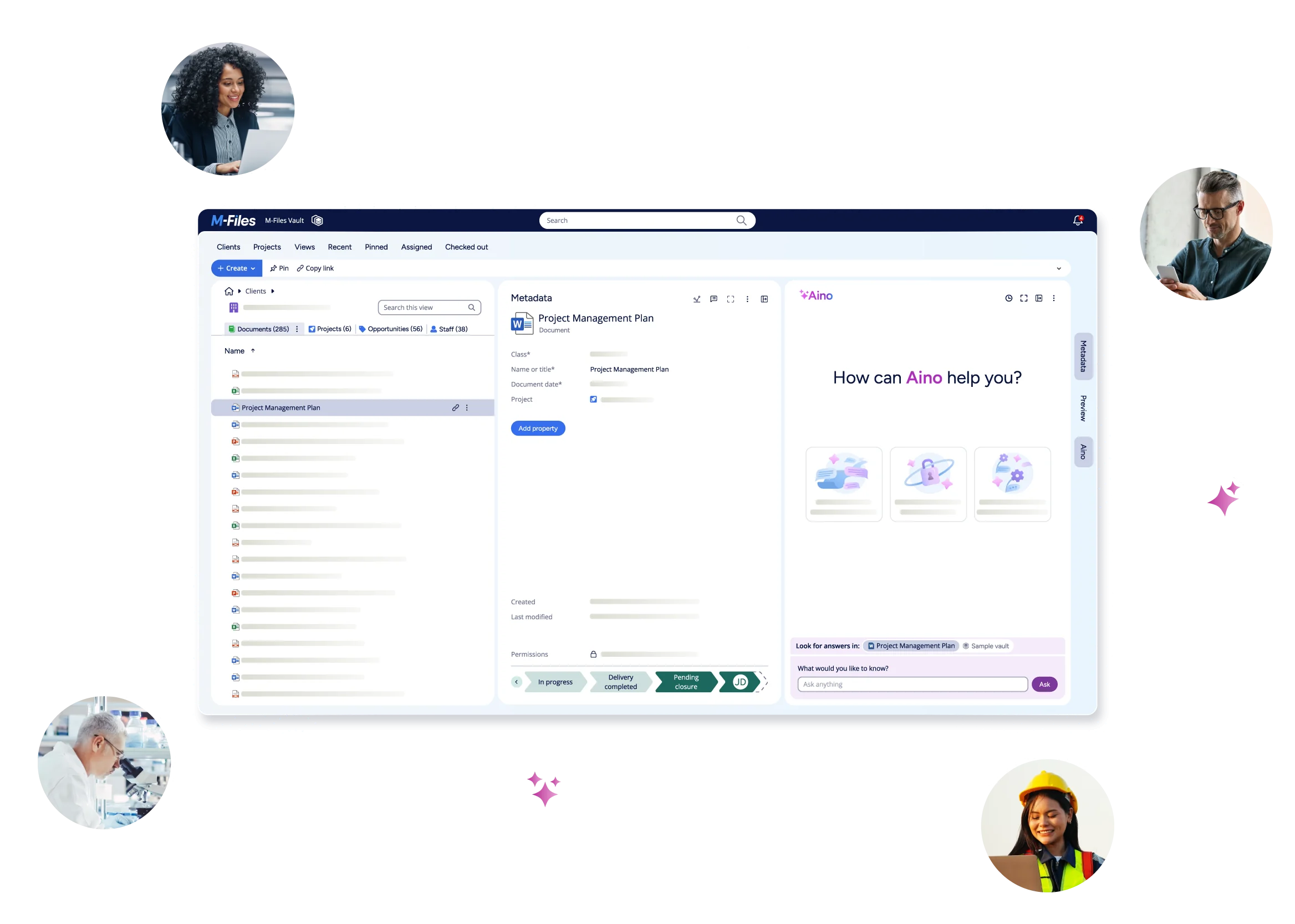
See M-Files in Action