Microsoft Teams Document Management with M-Files
Bring enterprise document management directly into Microsoft Teams. Find, manage, and collaborate on business-critical content while M-Files manages metadata, permissions, version control, and governance in the background.

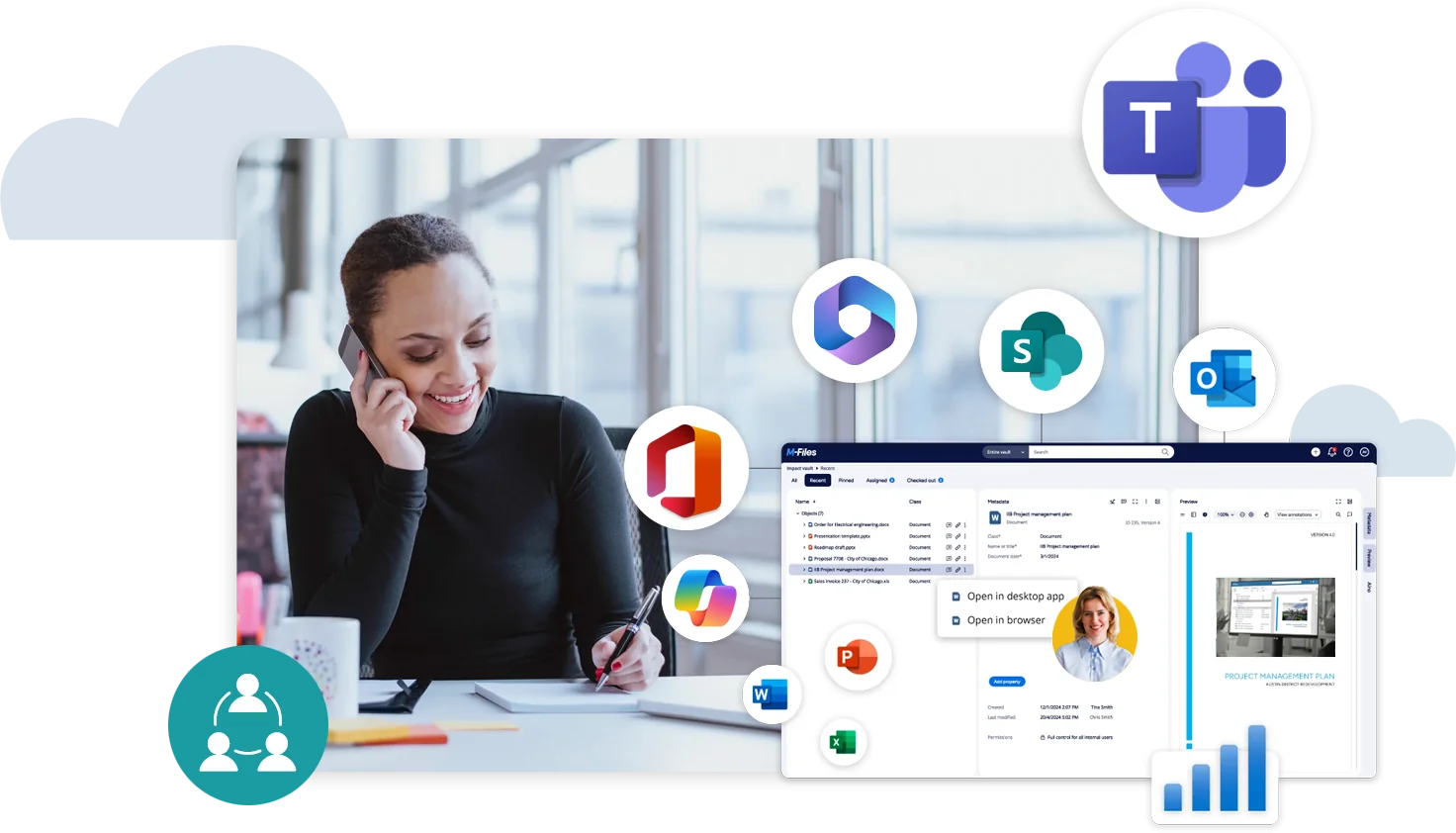
Work in Teams. Govern in M-Files
M-Files extends your Microsoft Teams experience by connecting documents to the customers, projects, contracts, cases, and processes they support. Employees gain the business context needed to understand what information is, why it matters, and how it should be handled.
Teams remains where work happens, while M-Files serves as the system of record for business-critical information.
Bring Business Context and Governance to Microsoft Teams
Give employees the right information, business context, and governance directly in Microsoft Teams.
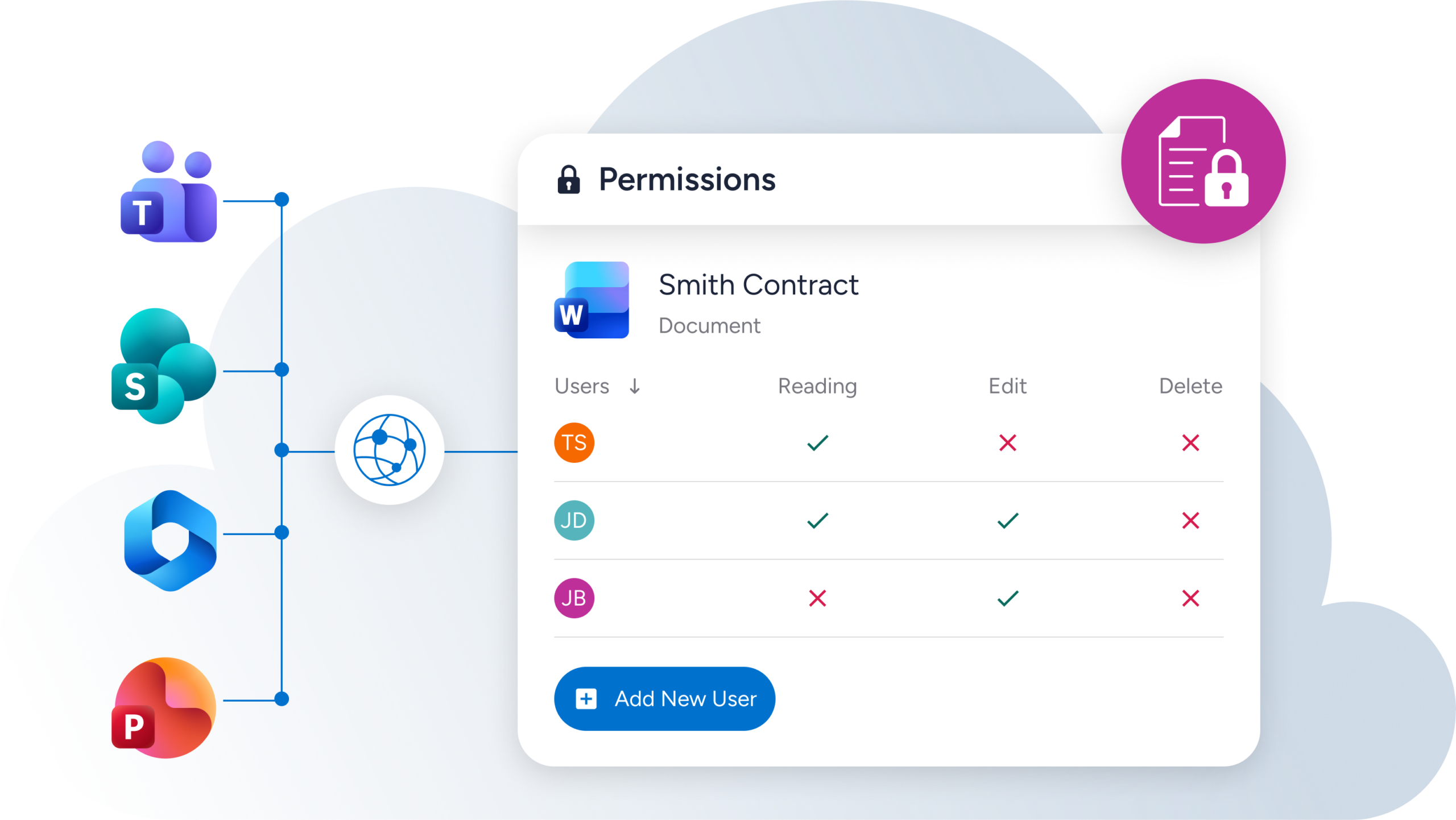
M-Files uses metadata-driven permissions, version history, auditability, and information governance to keep your documents organized, controlled, and governed throughout their lifecycle, even as employees share, edit, and collaborate on them in Microsoft Teams.
M-Files gives employees access to the right documents directly within Microsoft Teams, where they can share, edit, and co-author content using familiar Microsoft 365 tools.
M-Files applies information governance based on what a document is, not simply where it is stored. Policies and permissions remain connected to the content as employees work across Microsoft Teams and Microsoft 365.
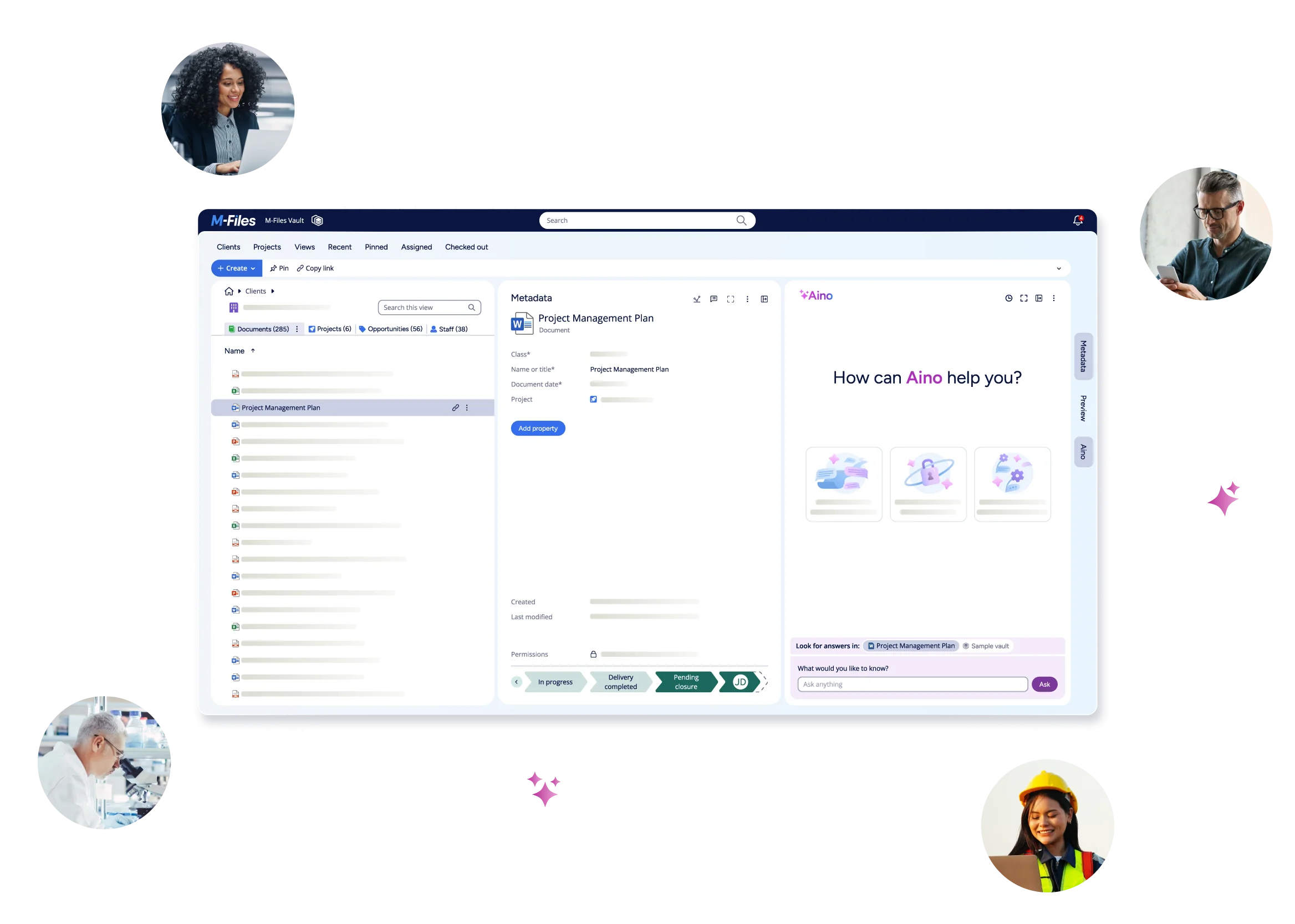
M-Files workspaces bring documents and related information into Microsoft Teams channels based on a customer, project, case, or process. Employees can see the full context of their work without searching across disconnected folders and systems.
See M-Files for Microsoft Teams in Action
Explore how M-Files connects documents to the customers, projects, cases, and processes they support, giving employees greater context while they work in Microsoft Teams.

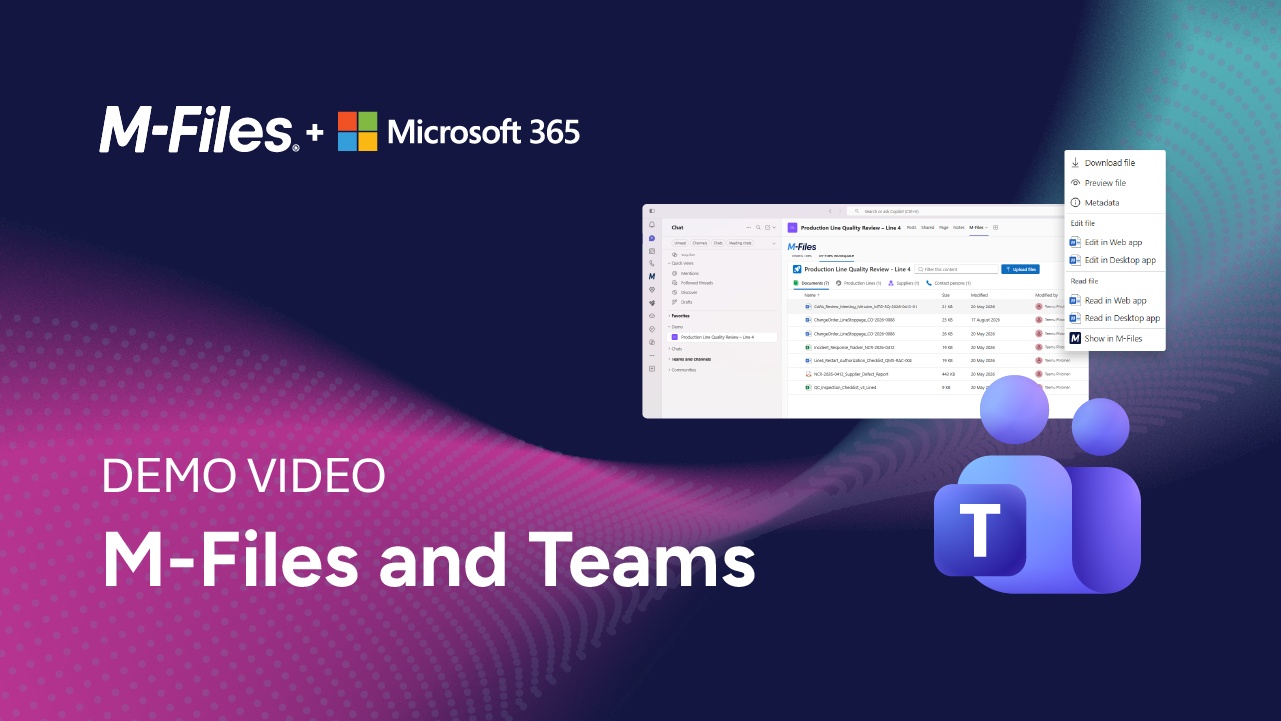
Document Management in Microsoft Teams | M-Files Demo
See how M-Files brings document management directly into Microsoft Teams. This demo shows how users can save Teams files to M-Files, apply metadata, access project-related content, and work with governed business information without leaving Teams.
Transform Work Across Microsoft Teams
M-Files brings business context, governance, and information management to Microsoft Teams, helping employees work with the right information while maintaining compliance and control and supporting Microsoft 365 Copilot and Microsoft Search.
Extend the Value of Microsoft 365
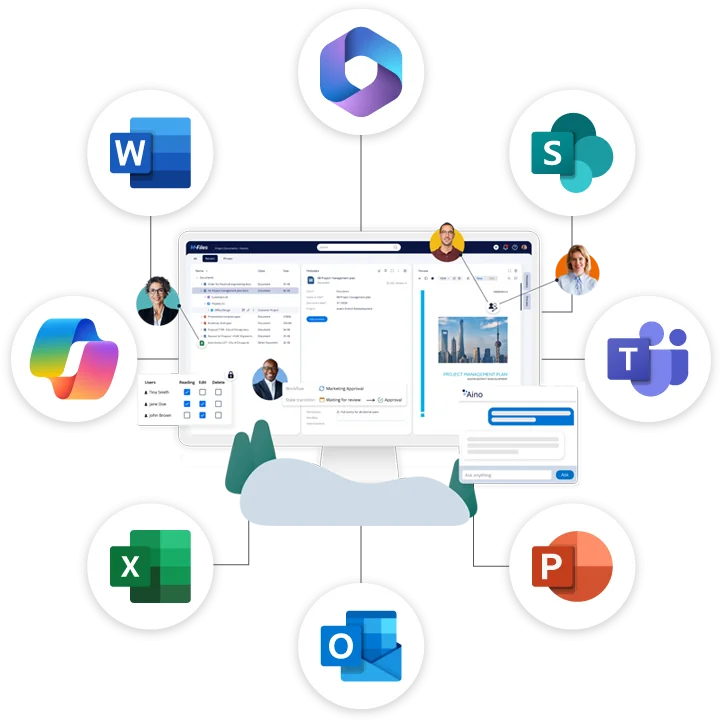
M-Files helps organizations get more value from Microsoft 365 by bringing governance, business context, and document management directly into Teams, Outlook, Word, Excel, and PowerPoint. Employees work where they are most productive while M-Files ensures business-critical information remains organized, governed, and connected to the context that matters.
Microsoft Teams FAQs
See M-Files in Action