
Microsoft Office Document Management for Microsoft 365
Improve Microsoft 365 document management, information discovery, and governance across Word, Excel, PowerPoint, Outlook, Teams, and SharePoint.
M-Files extends Microsoft Office with enterprise document management, workflow automation, enterprise search, and records management capabilities.

Work with Business Information Across Microsoft Office
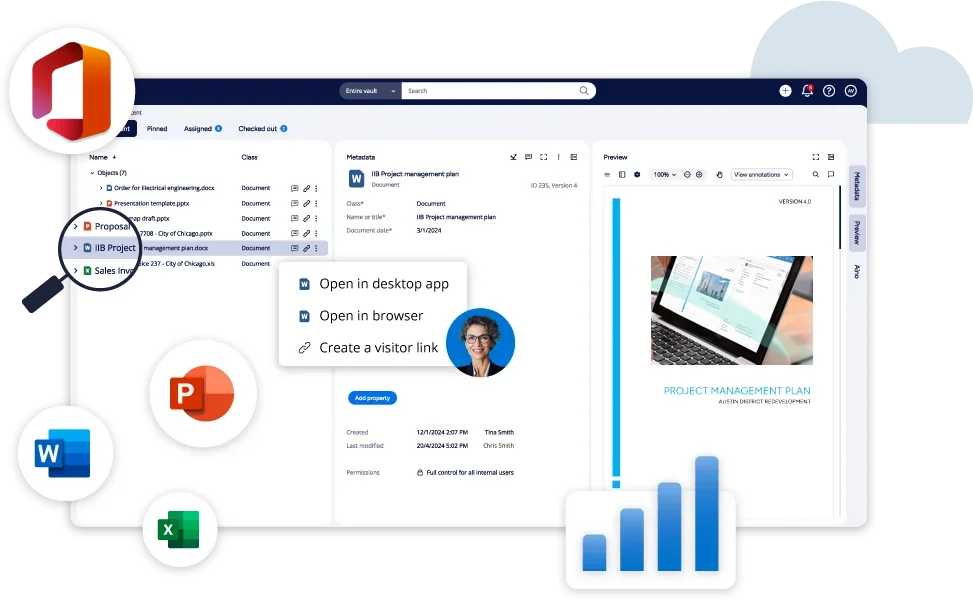
Employees work across Microsoft Word, Excel, PowerPoint, Outlook, Teams, and SharePoint every day. M-Files provides document management software for Microsoft 365 that helps organizations manage business-critical information without leaving familiar Microsoft Office applications.
M-Files combines enterprise document management, enterprise content management, document workflow automation, and enterprise search in a single content management platform. Users can find, access, manage, and govern information across connected systems directly through Microsoft 365 experiences.
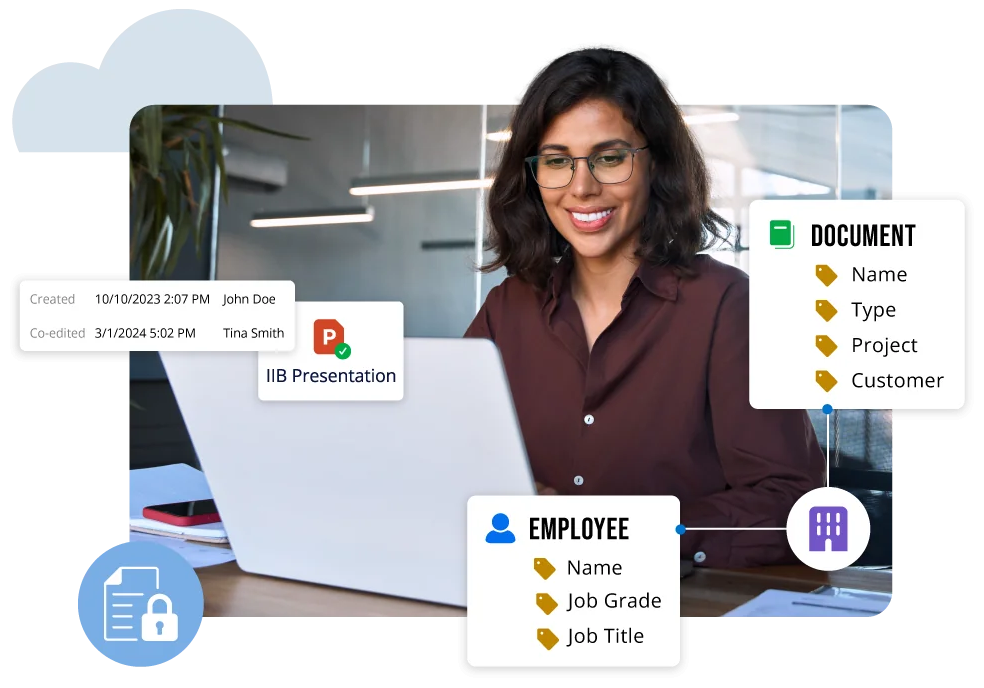
Metadata-driven document management, information governance, document classification, and intelligent automation help organizations find information faster, strengthen compliance, and support business-critical processes.
Work with Governed Business Information Without Leaving Microsoft Office
M-Files helps employees manage business documents and records directly within Microsoft Word, Excel, PowerPoint, Outlook, Teams, and SharePoint while maintaining document controls, governance, and workflow automation.
Productivity and Collaboration
Organizations use M-Files to improve information discovery, automate document-centric business processes, strengthen governance, and prepare business information for Microsoft 365 Copilot and AI agents.
By connecting information to customers, projects, contracts, suppliers, and business processes, M-Files helps employees find information faster, maintain governance, and work more effectively across Microsoft 365.
Enterprise Search and Content Discovery for Microsoft 365
Employees waste valuable time searching for information when documents, emails, conversations, and records are distributed across Microsoft 365 applications and business systems.
M-Files combines enterprise search, metadata-driven document management, and connected content management to help users find information without browsing SharePoint sites, Teams channels, folders, document libraries, and email archives.
By connecting documents to customers, projects, contracts, suppliers, and business processes, M-Files improves content discovery and information management across Microsoft 365.
Automate Document-Centric Business Processes
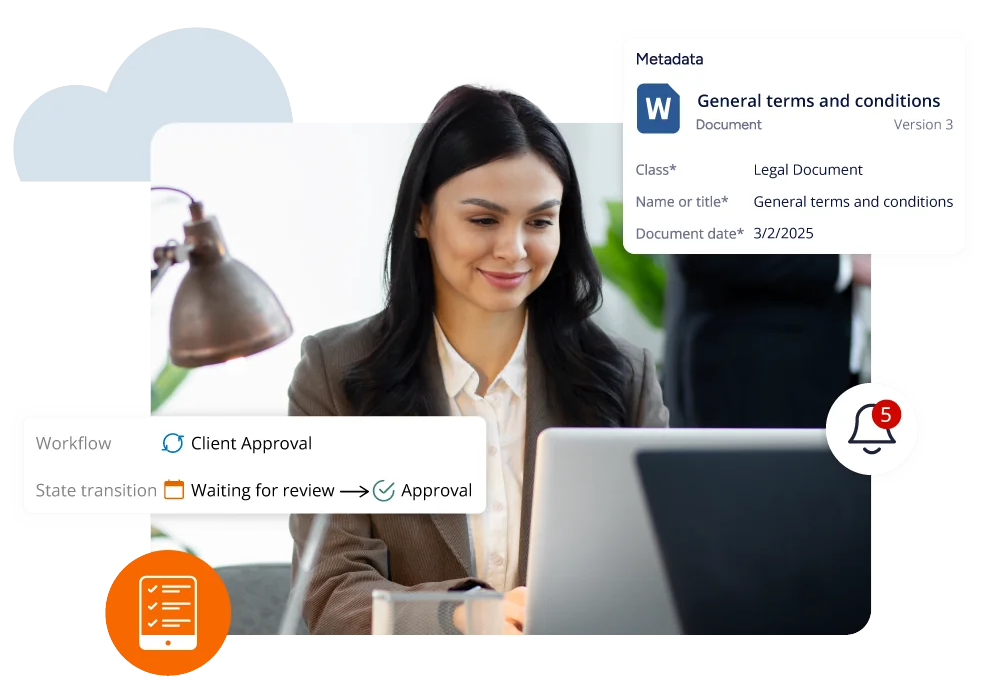
Reduce manual work, improve process consistency, and strengthen compliance across document-centric business processes. By standardizing these processes across Microsoft 365, organizations can reduce administrative effort, improve visibility, and maintain governance, security, and compliance controls.
M-Files helps organizations automate approvals, document lifecycle management, records retention, compliance activities, document control procedures, and other document-centric workflows.
From controlled documentation and quality processes to contract approvals and client delivery workflows, M-Files supports business process automation for information that drives critical operations throughout its lifecycle.

Work IQ Shows What Happened. M-Files Helps Explain Why.
Help employees and AI systems understand not only what happened, but the business context behind decisions, relationships, and outcomes.
Microsoft Work IQ helps organizations understand how work happens across meetings, conversations, documents, and business activities.
M-Files connects governed business information to customers, projects, contracts, suppliers, and business outcomes.
Together, Work IQ and M-Files help improve information discovery, AI-powered automation, and the business context available to Microsoft 365 Copilot and AI agents.
Bring Business Context to Microsoft 365
See how M-Files adds business context, governance, workflow automation, and records management to help you get more value from Microsoft 365.
Microsoft 365 Copilot
Connect your AI helper at work to all your data sources. Find data, summarize emails, take meeting notes, write documents, and do research with greater ease. You can also build custom agents that handle tasks for your team, making everyday work faster and more efficient.


Microsoft 365
Make Microsoft 365 a trusted foundation for collaboration, document management, and AI. M-Files adds business context, governance, workflow automation, and records management to help organizations find information faster, work more efficiently, and get more value from Microsoft 365

Microsoft Teams
Chat and collaborate directly in Teams while staying organized. Access all your company’s data in one space. Support efficient and well-governed teamwork with built-in workflows.

Microsoft Outlook
File and save emails without manual effort. Keep messages organized and connect them to the right client or project. Help employees save time, reduce manual work, and make it easier to manage important communications.
Microsoft SharePoint
Make document work easier with tools that organize, tag, and automate files. Use smart search, automatic workflows, and strong version control to stay on track. Handle complex tasks and support industry-specific needs all while working inside Microsoft 365.
Microsoft Office Document Management FAQs
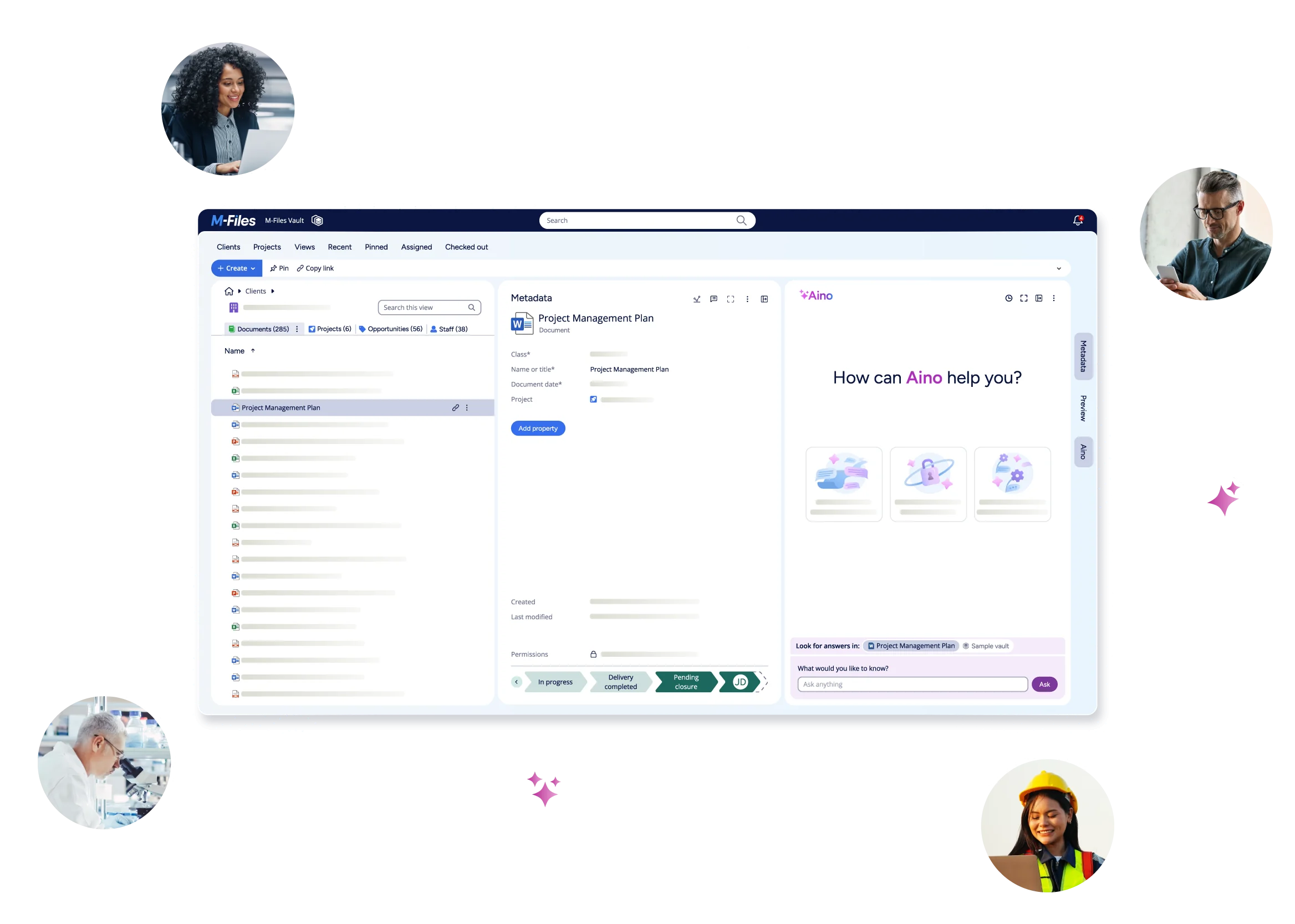
See M-Files in Action