
Protect M-Files Business-Critical Content with Microsoft Defender
Extend Microsoft Defender malware protection to your business-critical content managed in M-Files. Block access to malicious files while strengthening Microsoft 365 security with governance, permissions, metadata, and business context.
Help protect business-critical content without disrupting the way users work.
Why It Matters
Microsoft Defender and M-Files help you securely scale Microsoft 365 and AI across your organization by reducing malware risk, strengthening compliance, and protecting the business-critical content your employees and AI rely on every day.
M-Files extends Microsoft Defender malware protection to your governed content managed natively in Microsoft 365. When Microsoft Defender identifies a malicious file, M-Files restricts access while maintaining the governance, permissions, metadata, and business context that make your business information useful, secure, and compliant throughout its lifecycle.
How Microsoft Defender Protects Content Managed in M-Files
Microsoft provides built-in malware protection for files stored in Microsoft 365 Storage. M-Files uses the malware status provided by Microsoft to restrict access to files Microsoft has identified as malicious.
Business-critical content is added and managed through the M-Files experience.
The file is stored in Microsoft 365 Storage, powered by SharePoint Embedded.
Microsoft performs asynchronous malware scanning and identifies files containing viruses or malware.
Threat details, investigation tools, historical security events, and remediation remain within the Microsoft Defender portal.
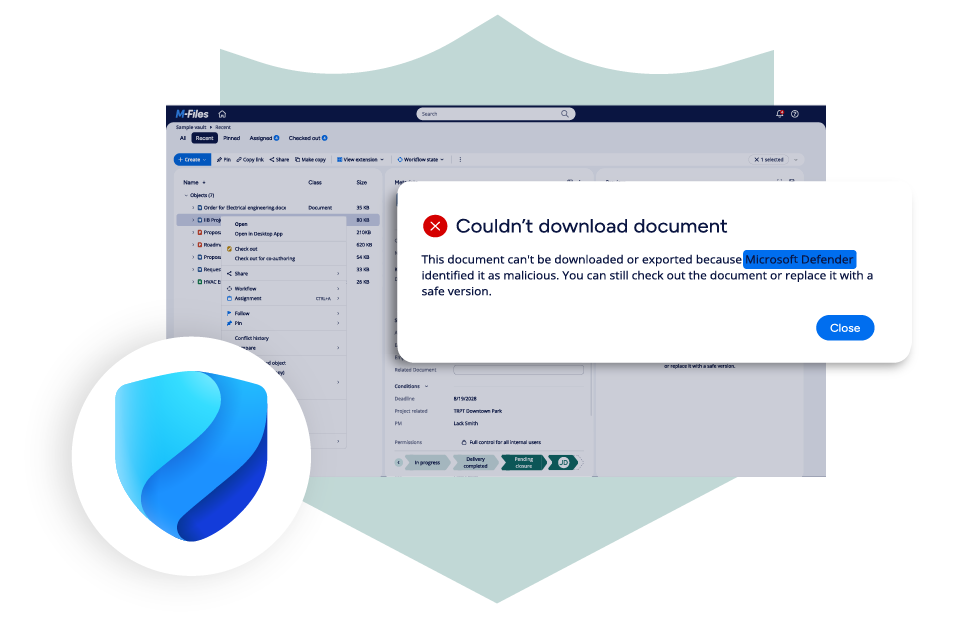
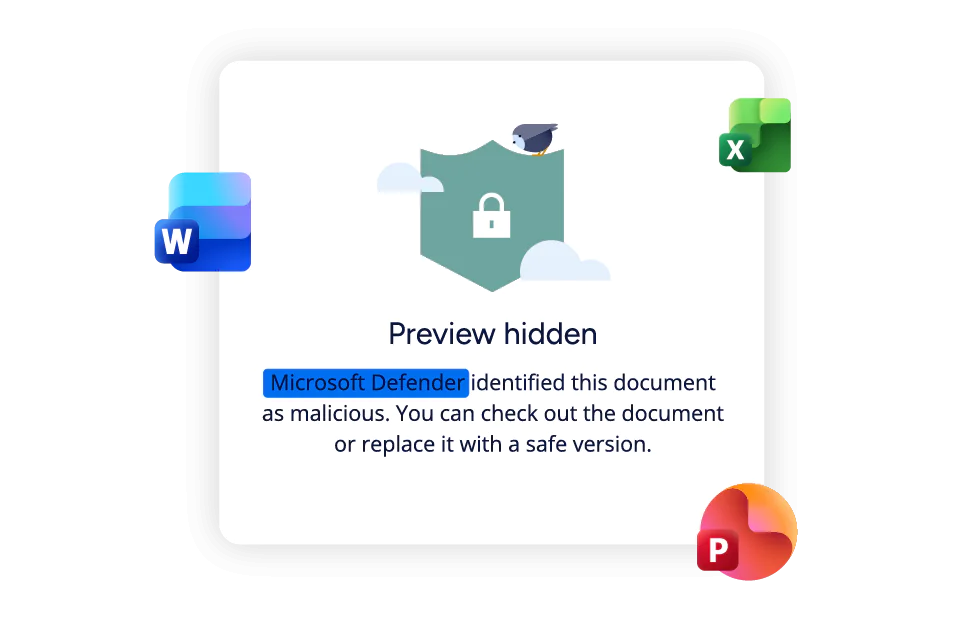
Before serving a file, M-Files checks the malware status provided by Microsoft. When Microsoft has identified the file as malicious, M-Files blocks preview and download within M-Files Desktop and Web and displays a message to the user.

Protects Content
Why Organizations Use M-Files for Microsoft Defender
Extend Microsoft-native malware protection to important business documents while preserving the governed M-Files experience employees use every day.
Extend malware protection
Extend Microsoft 365 malware protection to business-critical content managed in M-Files.
Reduce risk
Reduce the risk of users accessing malicious files Microsoft has identified.
Control file access
Enforce file preview and download restrictions at the point of access.
Preserve governance and context
Preserve M-Files governance, permissions, workflows, metadata, and business context.
Build on your Microsoft investment
Build on existing Microsoft security investments.
Keep security operations in Microsoft Defender
Keep threat investigation, security event history, and remediation within Microsoft Defender.
Microsoft-Native Malware Protection with M-Files Governance
Bring Microsoft malware identification into your governed M-Files experience. Microsoft Defender scans for malware and identifies malicious files, while M-Files enforces access restrictions, governance, permissions, workflows, and business context.
Requirements and Availability
M-Files for Microsoft Defender is available for eligible M-Files Cloud environments using Microsoft 365 Storage. Review the platform requirements and expected behavior before activation.
Protect the Content Your Business Depends On
Apply Microsoft-native Defender malware protection to the customer, project, operational, and financial content your employees use to support customers, execute projects, manage contracts, and make important decisions.
Extend Microsoft Security to Content Managed in M-Files
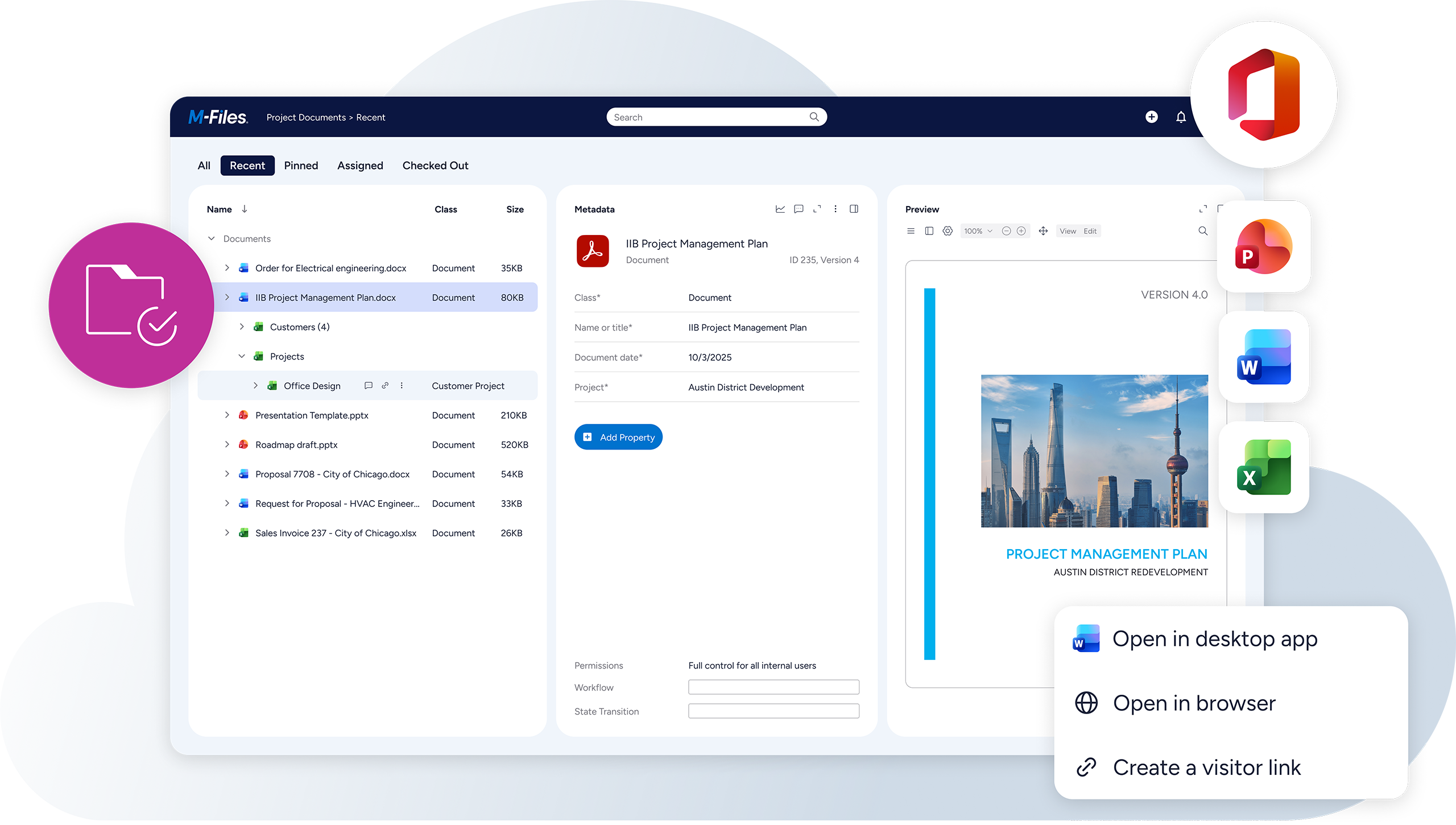
Microsoft provides malware detection for files stored in Microsoft 365 Storage. M-Files uses the status provided by Microsoft to help prevent users from accessing files identified as malicious while preserving governance, permissions, workflows, and business context.
Build on Your Microsoft 365 Security Investments
Microsoft Defender provides malware protection for files stored in Microsoft 365 Storage. M-Files extends that protection to eligible business-critical content managed in M-Files, blocking preview and download when Microsoft identifies a file as malicious while preserving M-Files permissions, workflows, governance, and business context.
Microsoft 365
Make Microsoft 365 a trusted foundation for collaboration, document management, and AI. M-Files adds business context, governance, workflow automation, and records management to help organizations find information faster, work more efficiently, and get more value from Microsoft 365

Microsoft Teams
Chat and collaborate directly in Teams while staying organized. Access all your company’s data in one space. Support efficient and well-governed teamwork with built-in workflows.

Microsoft Office
Create, edit, and collaborate on documents directly in Word, Excel, and PowerPoint. Find information faster, automate workflows, and maintain document control and governance while working in familiar Microsoft Office applications.

Microsoft SharePoint
Make document work easier with tools that organize, tag, and automate files. Use smart search, automatic workflows, and strong version control to stay on track. Handle complex tasks and support industry-specific needs all while working inside Microsoft 365.
Microsoft Defender FAQs
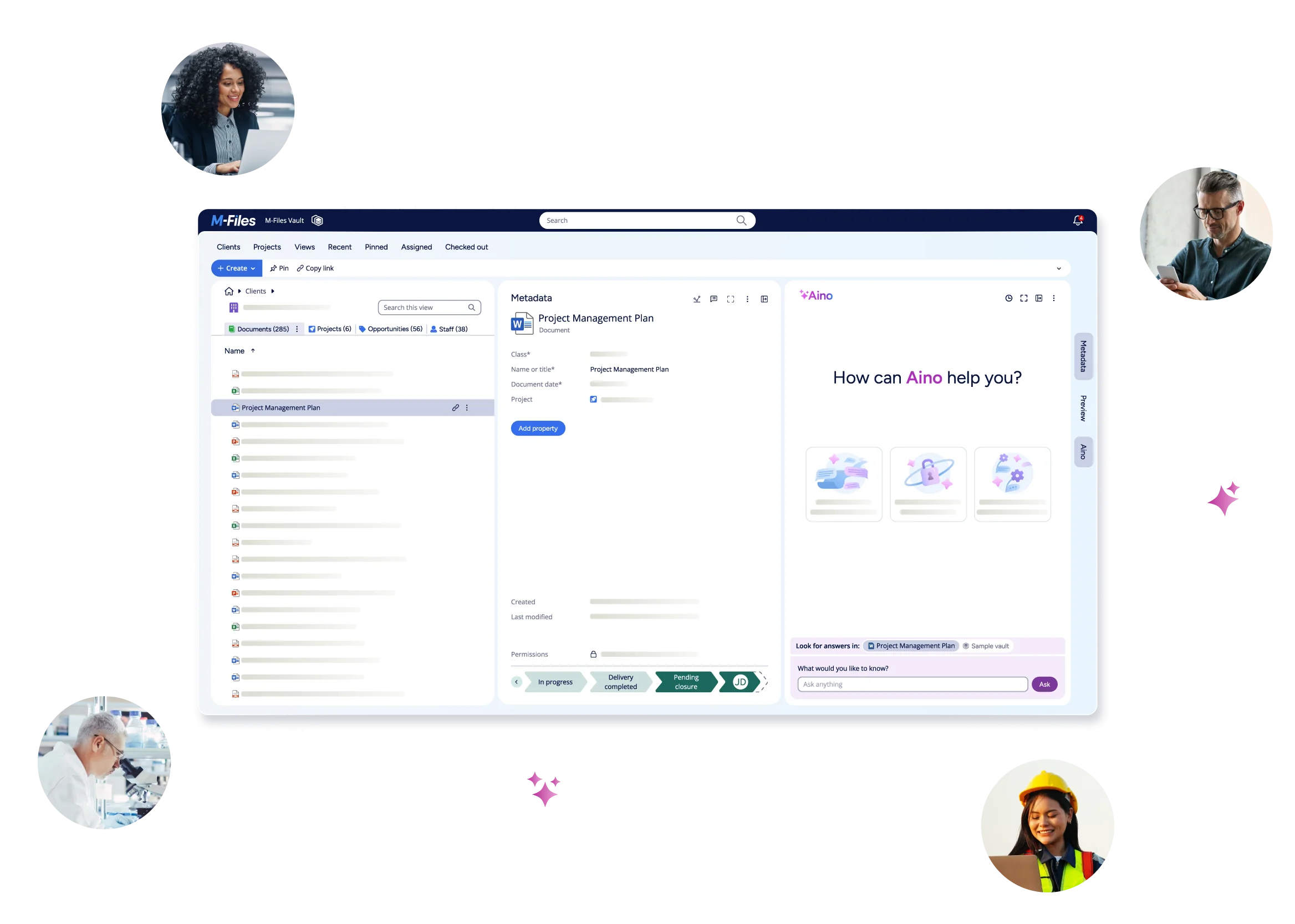
See M-Files in Action