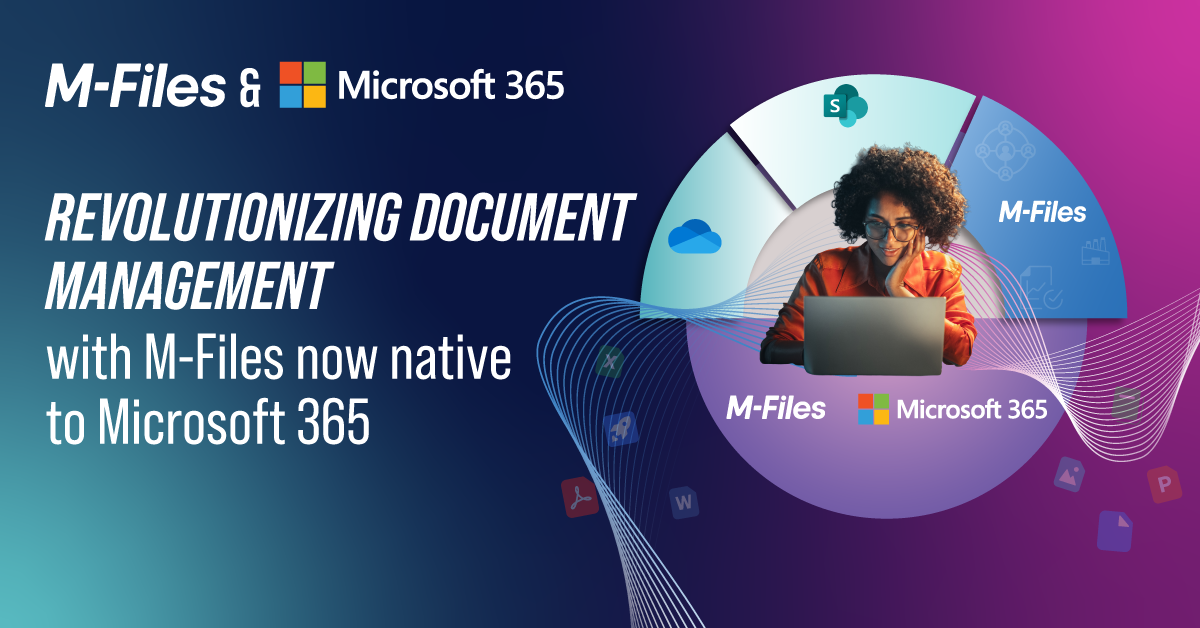

Outlook Content Management for Microsoft 365
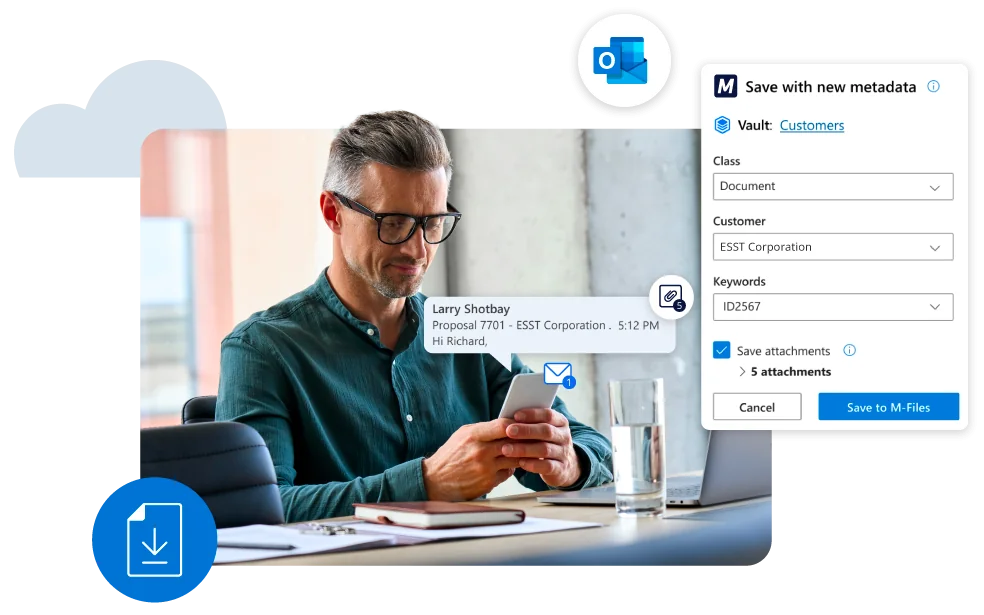
M-Files for Outlook helps your organization manage emails and attachments as governed business information. Capture important communications, apply metadata, automate filing, and connect business correspondence to the customers, projects, contracts, and processes it supports.

How M-Files Adds Value to Microsoft Outlook
Your organization relies on Outlook for daily communication, but business-critical information can remain scattered across individual employee inboxes, shared mailboxes, and disconnected email threads. This makes important emails, attachments, and correspondence harder to find, manage, and govern.
M-Files for Outlook adds email and document management capabilities to Outlook by adding metadata to emails and attachments and connecting them to the customers, projects, contracts, and business processes they support. M-Files organizes emails and attachments based on what they are and what they contain, rather than where they are stored, making them easier for your teams to find, manage, and use.
Your employees can continue working in familiar Outlook experiences while M-Files adds a metadata-driven layer of email governance, records management, permissions, workflows, and lifecycle controls for emails and documents saved in M-Files.
Govern Business Communications Without Leaving Outlook
M-Files helps your organization turn Microsoft Outlook emails and attachments into governed business information.
By combining business information management with records management, information governance, and workflow automation, M-Files keeps business communications connected to the people, projects, customers, and processes they support.


Outlook Content Capture and Records Management
Business-critical information frequently originates in email conversations and attachments. M-Files for Outlook captures these communications as governed business records, helping your organization retain important correspondence and manage it throughout its lifecycle.
Work with Business Information Directly in Outlook
Your employees shouldn’t have to switch between systems to find and manage the emails, documents, and business information they need.
M-Files brings governed business information directly into Outlook, helping your employees work more efficiently while maintaining compliance, records management, and information governance requirements.


Improve Microsoft 365 Copilot with Governed Business Communications
M-Files for Outlook provides the accurate, governed, and permission-aware business information Microsoft 365 Copilot needs to deliver more relevant and trustworthy results for your employees.
When you save Outlook emails and attachments to M-Files, M-Files organizes them with metadata, maintains permissions, manages them as records, and connects them to the customers, projects, contracts, decisions, and business processes they support.
This creates a stronger information foundation for Microsoft Copilot, Work IQ, and AI agents by grounding them in governed business communications, connected relationships, and reliable business context. It also improves information discovery and supports context-rich, AI-powered automation.
Outlook Content Management Across Microsoft 365
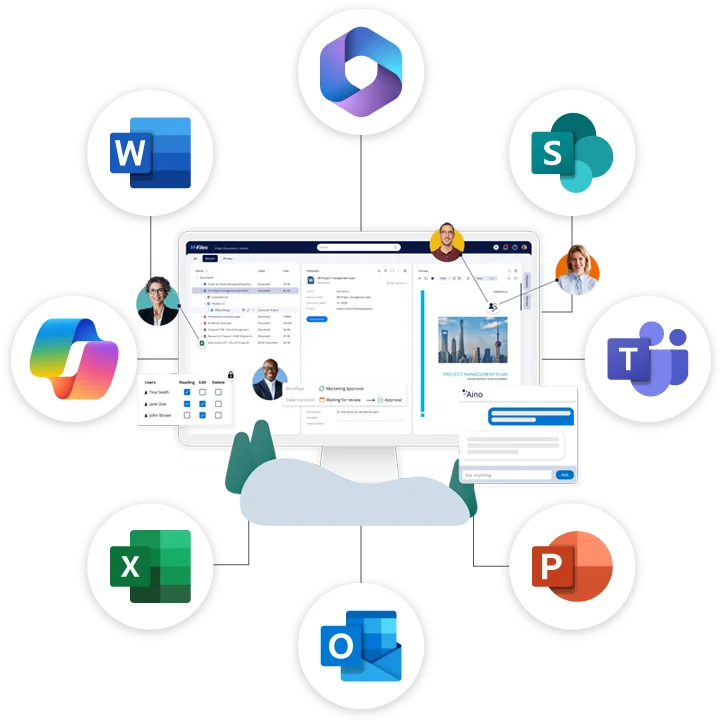
M-Files works across Outlook, Teams, SharePoint, Word, Excel, and PowerPoint to help organizations manage governed business information throughout its lifecycle.
- Microsoft Outlook - Manage emails, attachments, and business communications.
- Microsoft Teams - Collaborate on governed content without sacrificing control.
- Microsoft 365 Copilot - Improve AI readiness through governed business information.
- Microsoft SharePoint - Extend collaboration with records management, workflow automation, governance, and business context.
Bring Business Context to Microsoft 365
See how M-Files adds business context, governance, workflow automation, and records management to help you get more value from Microsoft 365.
Microsoft 365 Copilot
Connect your AI helper at work to all your data sources. Find data, summarize emails, take meeting notes, write documents, and do research with greater ease. You can also build custom agents that handle tasks for your team, making everyday work faster and more efficient.


Microsoft 365
Make Microsoft 365 a trusted foundation for collaboration, document management, and AI. M-Files adds business context, governance, workflow automation, and records management to help organizations find information faster, work more efficiently, and get more value from Microsoft 365

Microsoft Teams
Chat and collaborate directly in Teams while staying organized. Access all your company’s data in one space. Support efficient and well-governed teamwork with built-in workflows.

Microsoft Office
Create, edit, and collaborate on documents directly in Word, Excel, and PowerPoint. Find information faster, automate workflows, and maintain document control and governance while working in familiar Microsoft Office applications.
Microsoft SharePoint
Make document work easier with tools that organize, tag, and automate files. Use smart search, automatic workflows, and strong version control to stay on track. Handle complex tasks and support industry-specific needs all while working inside Microsoft 365.
Microsoft Outlook: Common Questions Answered
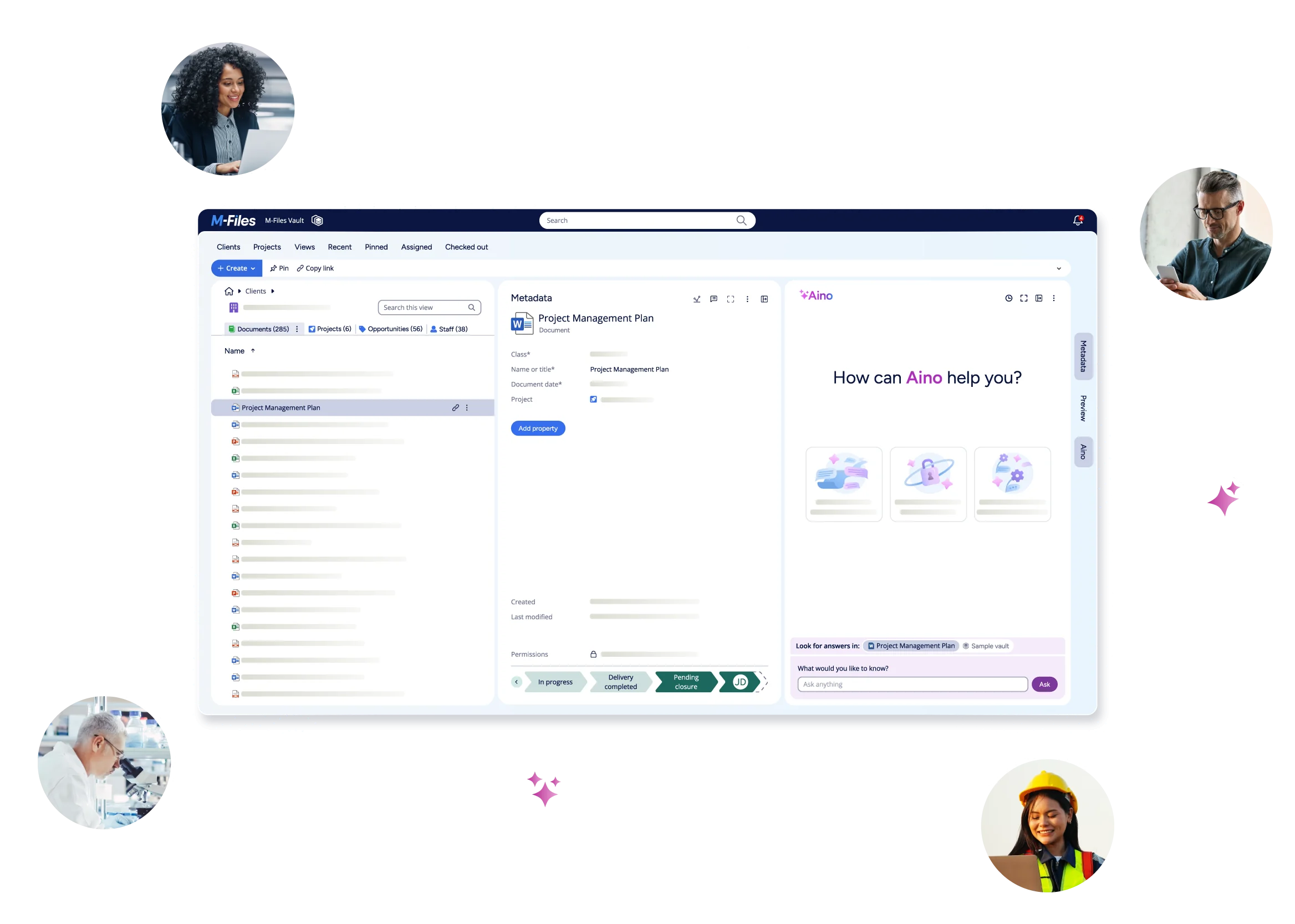
See M-Files in Action